

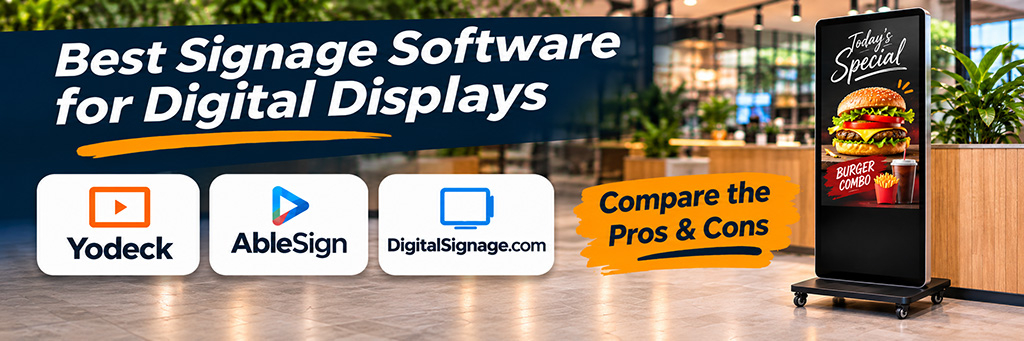
Best Signage Software for Digital Displays: Yodeck vs AbleSign vs DigitalSignage.com
Digital signage is transforming the way businesses communicate with their customers. From retail promotions and restaurant menus to exhibition displays and corporate communications, digital displays allow you to update your messaging instantly without the ongoing expense of printing and replacing traditional signage.
With Event Display's Android-powered digital displays, you have the flexibility to choose your preferred digital signage management software. While Google Drive and Google Photos are great for displaying basic content, dedicated digital signage software unlocks a range of additional features, including remote management, automated scheduling, custom layouts and multi-screen management.
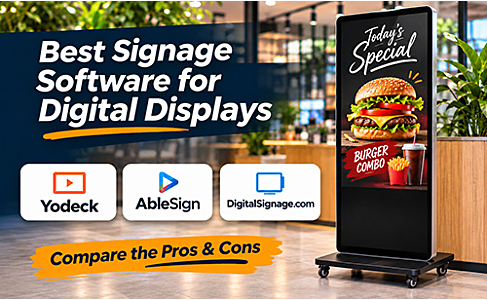
Three popular digital signage platforms worth considering are Yodeck, AbleSign and DigitalSignage.com. Below, we explore the advantages and disadvantages of each to help you choose the right solution for your business.
1. Yodeck – Our Recommended Digital Signage Software
Yodeck is our preferred digital signage management platform at Event Display. It offers an excellent balance of ease of use, advanced functionality, professional content creation tools and scalability, making it suitable for businesses of all sizes.
Its cloud-based platform allows you to manage your digital displays remotely, create professional-looking content and schedule promotions without needing extensive technical knowledge.
Pros of Yodeck
- Free for a single display: Ideal for businesses purchasing their first digital signage screen.
- User-friendly interface: An intuitive dashboard with drag-and-drop functionality.
- 800+ customisable templates: Create professional digital menus, advertisements, promotional graphics and more.
- Remote content management: Update your digital signage from your computer or another internet-connected device.
- Automated scheduling: Plan promotions and automatically change content at predetermined times.
- Custom screen layouts: Display multiple types of content simultaneously.
- Extensive app integrations: Incorporate social media, weather, news feeds, dashboards and other dynamic content.
- Unlimited cloud storage: Upload and manage your media library, subject to Yodeck's fair use policy.
- Scalable solution: Manage displays across multiple stores, offices or business locations.
- Offline playback: Downloaded media can continue playing during temporary internet outages.
Cons of Yodeck
- A paid subscription is required when managing more than one screen.
- Certain advanced features and integrations require higher-tier subscriptions.
- Some hardware management features available on dedicated Yodeck players are not supported on Android.
- An internet connection is required to remotely publish new content.
Yodeck Pricing
- Free: One digital display.
- Basic: From $13 AUD per screen, per month.
- Premium: From $18.50 AUD per screen, per month.
- Enterprise: From $25 AUD per screen, per month.
Pricing and features are subject to change.
Best suited to: Retail stores, restaurants, cafés, corporate offices, hotels, exhibitions, franchise networks and businesses wanting a professional, feature-rich digital signage solution.
Visit Yodeck Website | Download Yodeck for Android
2. AbleSign – A Great Free Digital Signage Solution
AbleSign is an excellent alternative for businesses looking for a straightforward digital signage management platform without ongoing per-screen subscription fees.
Designed with simplicity in mind, AbleSign allows users to upload images, videos and other content, organise playlists and remotely manage multiple digital displays through a web-based dashboard.
Pros of AbleSign
- Free digital signage software: No standard monthly subscription fee per screen, subject to fair use limits.
- Multiple screen management: Manage several digital displays from a central account.
- Simple setup: Install the Android app and pair your display with your account.
- Drag-and-drop playlists: Easily arrange and update promotional content.
- Remote content updates: Manage your displays from virtually anywhere.
- Flexible scheduling: Set content to play at particular times, days or dates.
- Offline playback: Previously downloaded images and videos continue playing without an internet connection.
- Automatic startup: Configure the app to launch when your Android display powers on.
- Screen synchronisation: Synchronise playback across compatible displays connected to the same network.
Cons of AbleSign
- More limited creative tools and ready-made design templates compared to Yodeck.
- Additional cloud storage is available through a paid storage plan.
- Remote device rebooting, screenshots and physical screen power controls are not supported through its Android player.
- May not be as suitable for businesses requiring extensive third-party integrations or advanced dynamic content creation.
AbleSign Pricing
- Free: Digital signage management across multiple screens, subject to fair use limits.
- Storage Plus: Paid option for businesses requiring additional cloud storage.
AbleSign's free service is particularly attractive for businesses that already have their promotional graphics and videos prepared and simply need a platform to display and manage them.
Best suited to: Small businesses, independent retailers, cafés, schools, community organisations and businesses looking to minimise ongoing software expenses.
Visit AbleSign Website | Download AbleSign for Android
3. DigitalSignage.com – Flexible Digital Signage with Advanced Customisation
DigitalSignage.com, also known as MediaSignage, is a digital signage platform offering extensive customisation, multimedia support and flexible content management options.
It is a particularly interesting option for businesses wanting greater control over their screen layouts, content presentations and digital signage infrastructure.
Pros of DigitalSignage.com
- Free plan for up to three screens: Get started without an ongoing software subscription.
- No advertising or watermarks: Maintain a professional appearance on the free plan.
- Customisable screen layouts: Divide your display into multiple content zones.
- Multimedia support: Showcase images, videos, websites and dynamic content.
- Remote content management: Update displays across different business locations.
- Content scheduling: Automate when different campaigns and promotions are displayed.
- Cost-effective paid plans: Relatively affordable subscription options for larger screen networks.
- Self-hosted option: Available for organisations wanting greater control over their digital signage infrastructure.
Cons of DigitalSignage.com
- A potentially steeper learning curve for users unfamiliar with digital signage software.
- More involved Android installation and configuration compared to Yodeck and AbleSign.
- The interface may be less approachable for users wanting quick and simple content updates.
- The free plan includes only 1GB of cloud storage.
- Certain advanced features, including interactive kiosk functionality and proof-of-play reporting, require higher-tier subscriptions.
DigitalSignage.com Pricing
- Free: Up to three digital displays.
- mediaCLOUD Plus+: From $4.50 AUD per screen, per month.
- Enterprise: Variable pricing depending on requirements.
- mediaSERVER: Paid self-hosted solution with additional player licensing requirements.
Pricing and features are subject to change.
Best suited to: Larger organisations, technically experienced users, businesses with specific layout requirements and organisations wanting greater control over their digital signage infrastructure.
Visit DigitalSignage.com Website
Yodeck vs AbleSign vs DigitalSignage.com: Feature Comparison
| Feature | Yodeck | AbleSign | DigitalSignage.com |
|---|---|---|---|
| Event Display recommendation | Preferred | Alternative | Alternative |
| Android compatibility | Yes | Yes | Yes |
| Ease of use | Excellent | Excellent | Moderate |
| Free plan | 1 screen | Multiple screens* | 3 screens |
| Remote content management | Yes | Yes | Yes |
| Content scheduling | Yes | Yes | Yes |
| Image and video playback | Yes | Yes | Yes |
| Custom playlists | Yes | Yes | Yes |
| Split-screen layouts | Yes | Yes | Yes |
| Offline media playback | Yes | Yes | Yes |
| Multi-screen management | Paid | Free* | Free up to 3 screens |
| Content creation tools | Extensive | More limited | Extensive |
| Third-party integrations | Extensive | More limited | Available |
| Free cloud storage | Unlimited* | Limited | 1GB |
| Self-hosted option | No | No | Yes |
| Paid plans starting from | $13 AUD/month per screen | Optional storage upgrade | $4.50 AUD/month per screen |
*Subject to fair use policies, subscription plans, hardware compatibility and software limitations. Comparison based on published platform features as of November 2026.
Why Event Display Recommends Yodeck
While all three platforms offer practical digital signage management solutions, Yodeck is our preferred choice thanks to its combination of simplicity, flexibility and extensive features.
Its large library of customisable templates makes it particularly attractive for businesses that don't have an in-house graphic designer. You can create professional promotional content, schedule advertising campaigns and manage your digital displays without complicated software.
The free single-screen plan also makes it an excellent starting point for businesses investing in their first digital display.
As your business grows, Yodeck gives you the ability to expand your digital signage network, manage multiple locations and unlock additional functionality through its paid subscription plans.
AbleSign remains an excellent alternative if minimising ongoing software costs is your priority, while DigitalSignage.com is worth considering if you require more technical customisation.
How to Get Started with Digital Signage Software
Getting started with your Event Display Android-powered digital display is simple:
- Power on your digital display and connect it to the internet.
- Download and install your preferred digital signage application.
- Create an account with your chosen software provider.
- Pair your digital display with your account using the registration code.
- Upload your images, videos and promotional content.
- Create your playlists, configure your schedules and publish your content.
Once configured, you can manage your promotional content remotely without needing to physically access your display every time you want to make a change.
Always check the software provider's Android requirements and supported features for your specific display model.
Endless Promotional Possibilities with Digital Signage
One of the biggest advantages of investing in a digital display is the ability to continually repurpose it throughout the year.
Imagine being able to automatically switch between breakfast, lunch and dinner menus, promote Christmas specials, launch Boxing Day sales, advertise new products or showcase upcoming events – all using the same display.
With digital signage, there is no need to continually pay for new printed posters, promotional banners or replacement signage every time your marketing message changes.
Simply upload your new content, schedule when you want it to appear and let your digital signage software take care of the rest.
Upgrade Your Business with Event Display
At Event Display, we offer a range of professional digital signage solutions designed for Australian businesses, including indoor digital displays, interactive touchscreens and portable outdoor digital signage.
With built-in Android technology across our Android-powered range, you have the freedom to choose the digital signage software that best suits your business, rather than being locked into a proprietary content management platform.
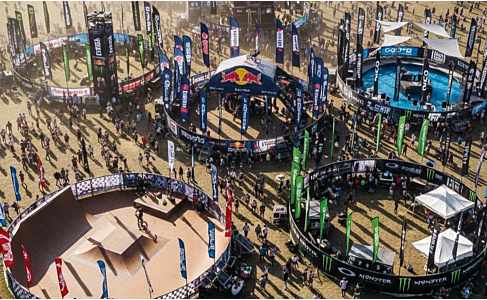
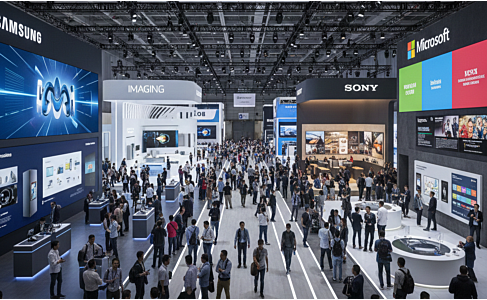
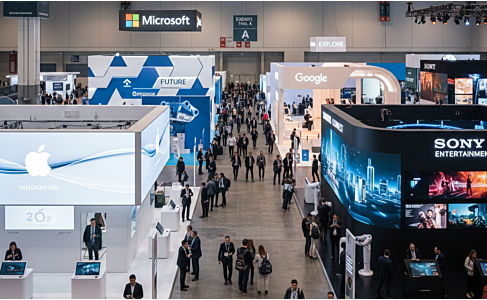
Whether you're looking to enhance your retail store, modernise your restaurant menus, attract attention at exhibitions or improve your corporate communications, our digital displays provide a versatile, reusable marketing solution.
Invest once. Update anytime. Promote all year round.
Explore our range of digital displays today or contact the Event Display team for expert advice on choosing the right digital signage solution for your business.